- Are the tools really free?
- Yes, all nine, with no account, no trial and no watermark. They exist because people who test their setup before going live are exactly the people StreamRove is made for.
- Is my video uploaded when I convert it?
- No. The conversion runs inside your browser with FFmpeg, the engine most video software is built on. Your file is read from your disk and the result is saved back to it. The only download is the converter itself, about 30 MB, the first time you press Convert.
- Is there a file size limit?
- No fixed one, but the work happens in your computer's memory, so very large files can fail on a laptop with little of it. Above 1.5 GB the page warns you first. Closing other tabs before a big conversion helps.
- Why does my 1080p webcam show 720p in the test?
- The test shows what the browser actually receives. The usual reasons are a USB 2 port or hub, another app holding the camera, or a camera that gives full size only at a lower frame rate. Try a different port, close Zoom, Teams or OBS, and test again.
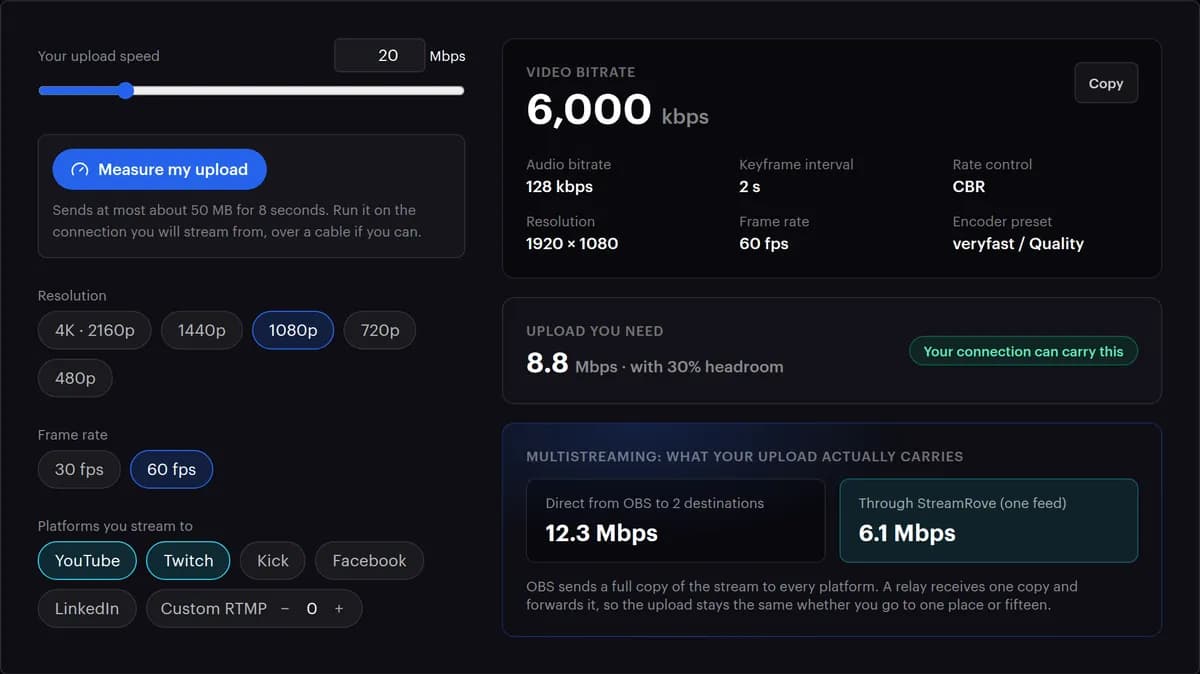
- Why does the calculator suggest less than my connection can carry?
- It keeps 30% of your upload free and never goes above the ceiling it plans for each platform you picked: 6,000 kbps for Twitch, 9,000 for Facebook. A stream that uses every last bit of your connection is the one that stutters first.
- Does the countdown work in Streamlabs or vMix?
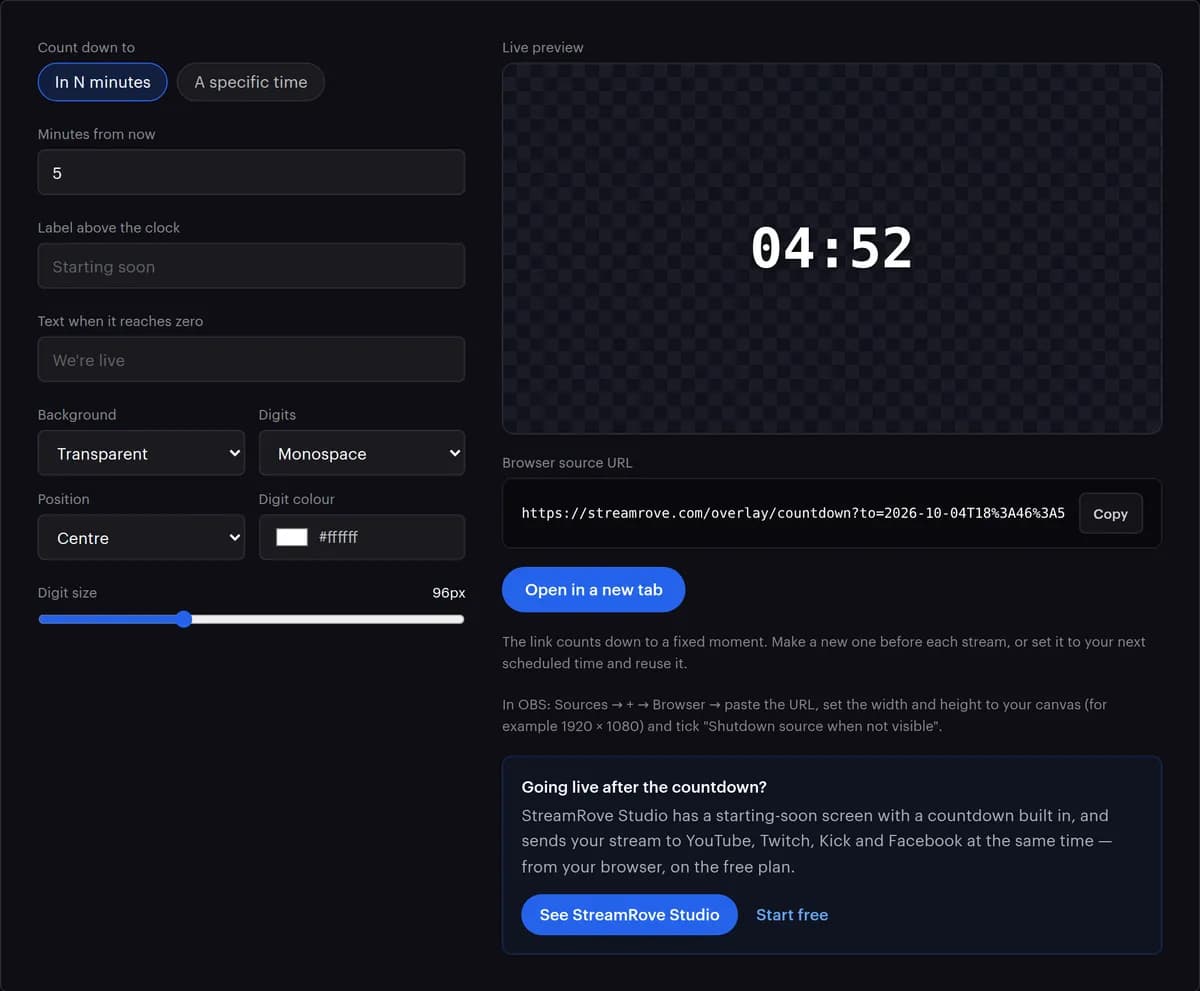
- Yes, in any app that can show a web page as a source. OBS and Streamlabs call it a Browser Source, and vMix calls it a Web Browser input. Set it to the size of your canvas, usually 1920 × 1080.
- Can I reuse a countdown link?
- The link counts down to one fixed moment. Make a new one for each stream, or set it to the time of your next show and use it until then.
- Is the upload test safe to run?
- It sends random data, never your files, for eight seconds and about 50 MB at most, and our server throws it away. Run it on the connection you stream from; on a phone hotspot it uses that much of your data allowance.